
 A missed mailing deadline is rarely caused by one major failure. More often, it starts with a notice waiting for approval, an address copied incorrectly, a Certified Mail label printed late, or a tracking number saved in the wrong place. For organizations that send legal, regulatory, or deadline-sensitive notices, learning how to automate mailings is about controlling those small points of failure before they become a compliance problem.
Mailing automation does not mean giving up oversight. A well-designed process gives your team more control over document versions, recipient data, USPS acceptance, tracking, and long-term records while removing repetitive manual work.
What Mailing Automation Should Accomplish
The right workflow begins with the outcome you need to prove. For a routine marketing mailing, the objective may be volume and delivery speed. For a foreclosure notice, delinquency letter, code enforcement notice, claim communication, or legal demand, the objective is different: establish that the correct document was mailed to the correct recipient on the required date and preserve the supporting records.
An automated compliance mailing process should connect five activities: document generation, recipient-data management, mailing-class selection, USPS processing, and record retention. If one of these remains disconnected, staff may still spend hours reconciling spreadsheets, tracking numbers, scans, and mailing receipts after the fact.
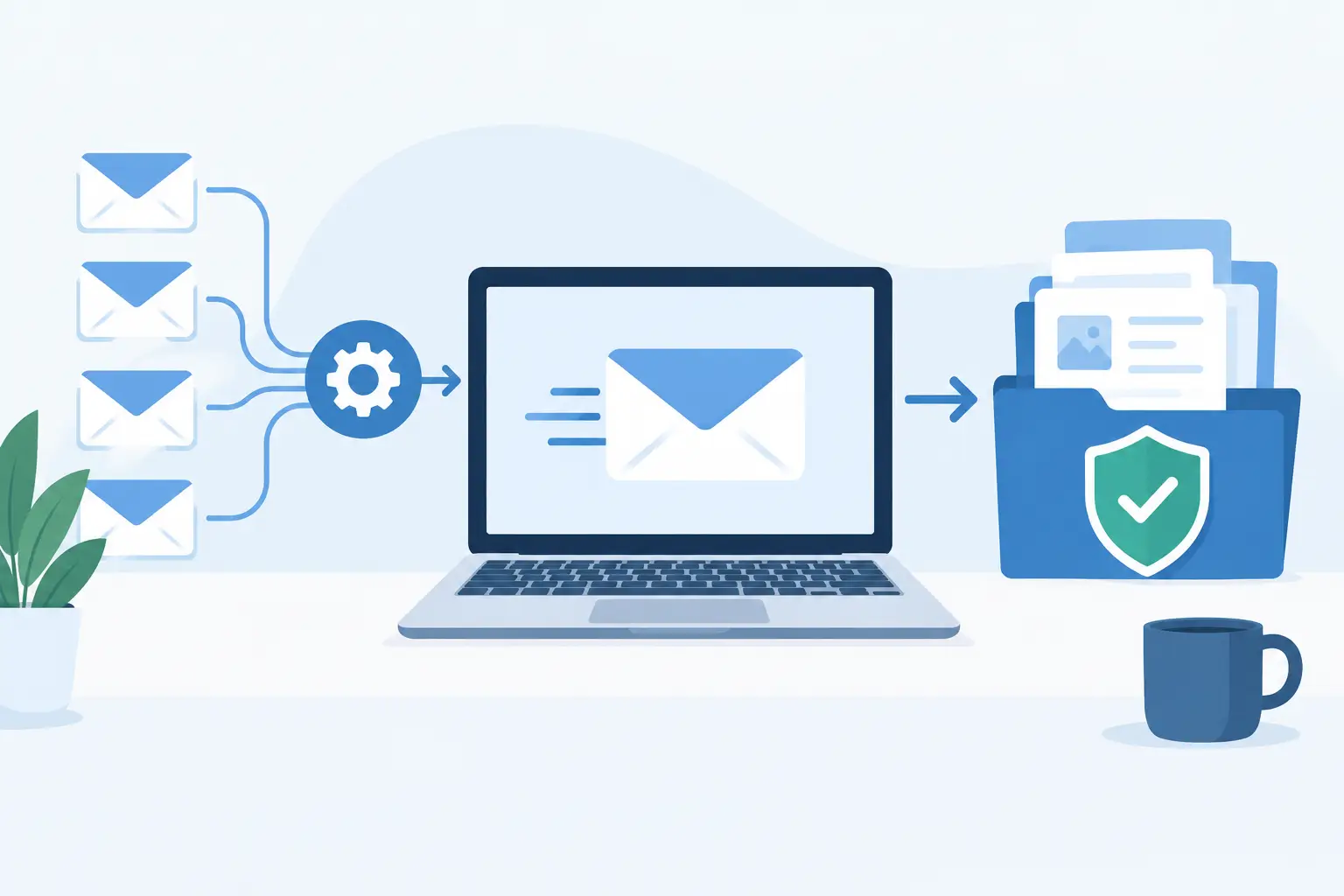
The practical goal is a repeatable chain of custody. A user or internal system submits an approved PDF and recipient information. The mailing provider prints, addresses, and presents the item to USPS. Mailing and tracking events are captured electronically. The organization can then retrieve records by recipient, date, job, or tracking number when a dispute, audit, or internal review occurs.
How to Automate Mailings in a Controlled Workflow
Start by mapping the mailing process you use now. Identify who creates the notice, who approves it, where addresses come from, who decides the mailing class, and where proof is stored. This exercise often reveals that the mailing itself is not the only manual step. Data cleanup, approval handoffs, and record filing can require more time than stuffing envelopes.
Once the workflow is clear, automate in stages rather than trying to replace every process at once.
Standardize the documents before automating delivery
Automation works best when source documents are controlled. Create approved templates for recurring notice types and establish a clear rule for final output, typically a PDF. The PDF should contain the complete letter exactly as it must be mailed, including required language, dates, account references, and enclosures where applicable.
Keep document generation separate from physical fulfillment when necessary. Your case-management, property-management, billing, or legal software may remain the system that produces the notice. The mailing platform becomes the controlled fulfillment and evidence layer. This approach avoids forcing staff to rebuild established business rules in a new system.
Version control matters. If your organization changes statutory language or a return address, update the source template before the next mailing run. An automated process can send thousands of letters efficiently, but it can also reproduce an outdated document efficiently. Approval controls remain necessary.
Treat recipient data as compliance data
Addresses should not be an afterthought added at the end of a job. Define the fields required for every mailing, such as recipient name, delivery address, unit number, internal case ID, and any reference needed for later lookup. Use consistent formatting and validation rules before submission.
For recurring mail, connect the source system to the mailing workflow through an API or SFTP (secure file transfer process). An API is useful when your application needs to submit mailings automatically as a case reaches a defined stage. SFTP is often practical for organizations that produce scheduled files in batches, such as daily delinquency notices or monthly regulatory communications.
The best option depends on volume and system maturity. A legal office sending periodic batches may prefer an upload-based process with review controls. A utility or large property management organization that generates notices every day may benefit more from system-to-system automation. In either case, test with a limited set of records before moving a production workflow into full automation.
Apply mailing rules by notice type
Not every item requires the same service. Define rules that match the consequence of the mailing. For example, a notice that requires documented USPS acceptance and delivery tracking may be sent by USPS Certified Mail. A communication for which proof of mailing is the primary requirement may be better suited to a Certificate of Mail or a First-Class compliance letter with documented mailing records.
Your rules should account for timing as well. Priority Mail or Priority Express Mail may be appropriate when a deadline requires faster transit, but faster service does not replace the need to document what was sent and when USPS accepted it. The most defensible choice is the one that aligns with your legal requirement, internal policy, and delivery timeframe.
Automating these rules prevents a staff member from selecting a mailing class based only on habit or convenience. It also makes training easier because the process is built around the notice category, not individual employee memory.
Use same-day fulfillment where timing matters
A queue that sits overnight can undermine an otherwise efficient workflow. If a letter must be mailed by a certain date, confirm the provider's submission cutoff, business-day processing rules, and USPS acceptance procedures. The operational question is not simply when a file was uploaded. It is when the mailpiece entered the USPS stream and what evidence is available to show that event.
Same-business-day printing and mailing can reduce the gap between approval and submission. That is particularly valuable for organizations with high-volume, deadline-driven correspondence, where an in-house printer issue, employee absence, or post office trip can interrupt the process.
Build Records Into the Process, Not After It
Proof is most useful when it is organized before anyone asks for it. Many organizations mail a letter successfully but later struggle to locate the relevant receipt, final document, or delivery status. A defensible process stores those items together or makes them easy to retrieve through a common identifier.
For Certified Mail, records may include the final mailed PDF, USPS acceptance information, tracking history, Electronic Delivery Confirmation, and Return Receipt Signature confirmation when selected. For other mailing methods, retain the evidence appropriate to the service and your policy.
Set a retention schedule that reflects the type of correspondence, applicable laws, contractual obligations, and litigation-hold procedures. Ten-year electronic record retention can be valuable for notices with a long dispute window, but retention alone is not enough. Staff must be able to search the archive without relying on a former employee's inbox or a box of paper receipts.
Access controls also deserve attention. Limit who can submit jobs, edit address data, approve templates, and export records. Automation should create an audit trail, not a process where changes are difficult to trace.
Measure the Exceptions That Still Need People
Mailing automation does not eliminate exceptions. Addresses can be incomplete, a PDF can fail validation, a job may require a unique enclosure, or a returned item may trigger a follow-up obligation. Design an exception queue with named owners and clear response times.
Track operational measures that show whether the process is working: jobs submitted before cutoff, items accepted by USPS, address-related rejects, delivery outcomes, return activity, and time required to retrieve records. These measures provide more useful oversight than simply counting the number of letters sent.
A monthly review can identify recurring issues. If one office produces frequent address errors, improve its source-data rules. If a specific notice requires repeated manual handling, determine whether it needs a separate template or routing rule. Continuous improvement is usually more valuable than adding complexity to every mailing.
Choose a Provider That Supports Defensible Mail
A generic print-and-mail vendor may handle basic physical delivery, but compliance mail requires more than printing envelopes. Evaluate whether the provider can accept production-ready PDFs, manage recipient data securely, support the mailing classes you use, document USPS acceptance, provide tracking and confirmation options, and retain accessible records.
Integration matters as your volume grows. Send Certified Mail supports API and SFTP-based automation for organizations that need to move approved documents and recipient data from existing business systems into an auditable mailing process. The value is not merely fewer clicks. It is a more consistent link between the notice generated in your system and the evidence retained after it is mailed.
Begin with one high-value notice type, establish the approval and exception rules, and verify the records your team can retrieve. Once that process is reliable, expanding automation becomes a controlled operational improvement rather than a disruptive system change.