
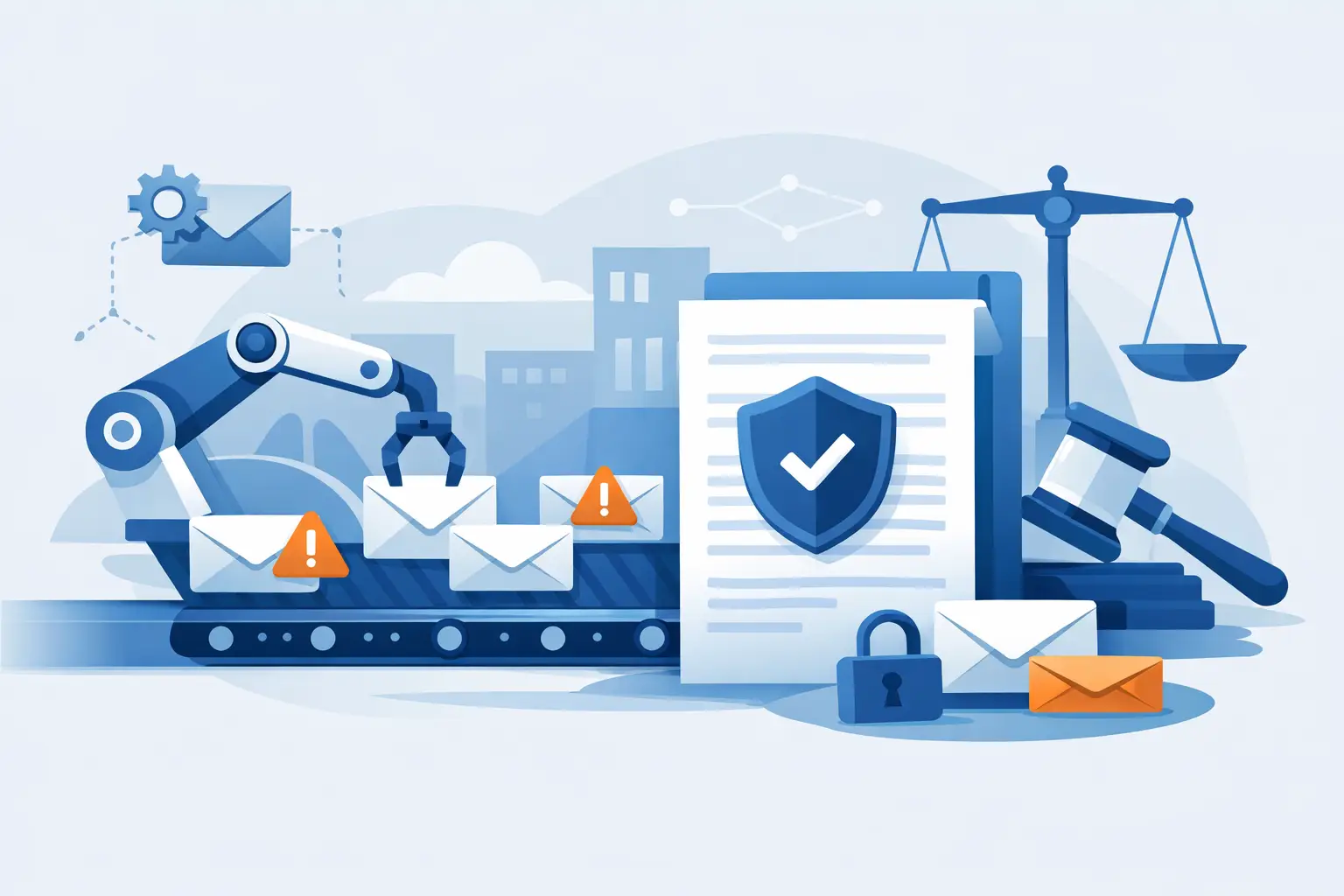
 A missed mailing date can turn a routine notice into a disputed process failure. Mail Automation gives organizations a controlled way to move recurring, deadline-sensitive correspondence from approved document to USPS mailstream without relying on manual printing, envelope preparation, or post office visits.
For law firms, property managers, collection agencies, utilities, insurers, and public offices, the value is not simply sending more mail with less effort. It is creating a repeatable process that preserves mailing evidence, reduces handoffs, and makes each notice easier to locate during an audit, complaint, or legal review.
What Mail Automation Means for Compliance Workflows
Mail automation is the use of software, file transfers, or system integrations to initiate and manage physical mail. A document is generated in an organization’s existing system, recipient data is supplied, and the mailing platform prints, addresses, prepares, and submits the item for USPS processing.
In a compliance setting, the workflow must do more than place a letter in an envelope. It should connect the notice to its recipient, mailing date, selected mail class, tracking number when applicable, USPS acceptance information, and delivery status. The result is a record that can be reviewed without reconstructing events from spreadsheets, email threads, and paper receipts.
The best workflow depends on volume and process maturity. An office sending a few time-sensitive notices each week may use a secure online upload process. A company generating thousands of account notices can use an API or SFTP workflow that submits jobs directly from its case management, billing, or document generation system.
Why Manual Mailing Creates Unnecessary Exposure
Manual mailing often appears manageable until volume rises, staff changes, or a deadline falls near a holiday. Someone must print the document, verify the address, choose the correct service, prepare the envelope, apply postage, obtain the necessary USPS evidence, and file the documentation. Every transfer between people creates another opportunity for delay or inconsistency.
The operational risk is not limited to lost time. A notice may be dated correctly but mailed late. A Certified Mail receipt may be separated from the related case file. A tracking number may be entered incorrectly. An employee may have no clear record of which version of a letter was actually sent. These are avoidable problems, but they are difficult to correct after a dispute begins.
Automation establishes a defined handoff: approved data and documents enter the mailing workflow, then the platform performs the fulfillment steps and captures the associated records. This does not eliminate the need for internal quality controls. It does reduce the number of manual actions required to execute a mailpiece consistently.
The Records That Matter Most
Not every mailing needs the same level of evidence. A routine informational letter may require proof of mailing, while a statutory notice, demand letter, foreclosure communication, or enforcement notice may require Certified Mail and delivery-related confirmation. The correct choice depends on the governing requirement, the organization’s policy, and legal advice.
A defensible mail automation process should preserve the records needed to answer basic questions quickly:
- What document was submitted for mailing?
- Who was the intended recipient, and what address was used?
- When was the item submitted and accepted into the USPS mailstream?
- Which mailing service and tracking options were selected?
- What did USPS tracking or delivery confirmation show?
These details matter because “we mailed it” is often not enough. A reviewer may need to see the chain of events, including evidence that the item entered the USPS system on the required date. For certain mailings, Electronic Delivery Confirmation or Return Receipt Signature confirmation may also be appropriate.
Long-term record retention is equally important. Mail documentation is frequently needed months or years after the original notice was sent, often after the staff member who handled the matter has moved on. Centralized electronic records are more reliable than a filing cabinet full of receipts or an individual employee’s inbox.
Build Mail Automation Around the Actual Notice Process
Effective automation starts before a file is uploaded. Organizations should first map how a notice is created, approved, submitted, and documented. That exercise usually reveals whether the main issue is mailing volume, approval delays, inconsistent address data, fragmented proof, or all of the above.
Standardize document and data inputs
Use approved PDF templates and define the required data fields before mail is initiated. At a minimum, recipient name, delivery address, internal matter or account identifier, document type, and required mailing service should be consistently available. If teams use different naming conventions or keep data in separate files, retrieval becomes slower and automation becomes harder to govern.
Address quality also deserves attention. Automation can process the information it receives, but it cannot correct an outdated or incomplete address without a defined validation process. For high-risk notices, organizations may need additional review rules before a job is released.
Match service levels to the requirement
USPS Certified Mail is commonly used when an organization needs documented mailing and tracking for an important notice. A Certificate of Mailing can provide evidence that an item was presented to USPS for mailing when delivery tracking is not required. First-Class Mail, Priority Mail, and Priority Express Mail may serve different timing and operational needs.
Faster service is not automatically better, and Certified Mail is not automatically required. The goal is to select the mail class and confirmation option that match the obligation. Overusing premium services increases cost; under-documenting a required notice can create a much more serious problem.
Set clear submission cutoffs
Same-business-day processing can support tight notice timelines, but teams still need internal cutoff rules. A document that has not been approved or submitted cannot benefit from automated fulfillment. Define who can release mail, how exceptions are handled, and what happens when a deadline falls on a weekend or federal holiday.
These controls are especially useful for organizations with multiple offices or distributed teams. Everyone follows the same submission process instead of relying on local practices and individual trips to the post office.
API and SFTP Automation: When Volume Requires Integration
A web-based upload workflow is practical for variable or lower mailing volume. It allows users to submit PDFs, enter or import recipient information, choose mailing options, and access records from a central platform. For many legal and compliance teams, that is enough to replace manual mail preparation.
API and SFTP integrations become more valuable when notices are generated repeatedly from another business system. An API can pass documents, recipient data, service selections, and internal reference numbers as part of an automated transaction. SFTP can support structured batch processing for organizations that create large scheduled files.
Integration should not be treated as a simple technical project. The important questions are operational: Which system is the source of truth? How are rejected addresses or incomplete records handled? What status information returns to the source system? Who monitors exceptions? A fast connection without exception management can move errors through the workflow faster.
The strongest implementation uses unique internal identifiers from the beginning. When a mailing record, tracking event, and case file share the same identifier, personnel can find the complete history without manual matching.
What Automation Does Not Solve on Its Own
Mail automation improves execution, but it cannot determine whether a notice was legally sufficient, whether the correct recipient was selected, or whether a specific jurisdiction requires a particular method of service. Those decisions remain with the organization and, where appropriate, its legal counsel.
It also cannot guarantee that a recipient will accept or read a letter. USPS tracking and delivery records document mailing and delivery events, subject to the service selected and USPS reporting. They do not replace a well-managed address process or a policy for returned, refused, or undeliverable mail.
That distinction is useful. Automation is most effective when it supports a broader compliance program with approved templates, documented procedures, access controls, review steps, and retention rules.
A Practical Standard for Selecting a Mail Automation Partner
A mailing provider should be evaluated as part of the organization’s records and process-control environment, not merely as a print vendor. Look for same-business-day processing options, support for the required USPS mailing classes, accessible tracking and reporting, confirmation options, and retention practices that fit the organization’s audit needs.
For recurring compliance mail, Send Certified Mail supports PDF submission, recipient data management, USPS Certified Mail and other mailing options, tracking reports, and retained mailing records. The practical benefit is a process that replaces manual fulfillment while keeping critical mailing evidence tied to the work that generated it.
The right next step is usually small: choose one high-volume or deadline-sensitive notice type, document its current mailing path, and identify every point where proof can be delayed, misplaced, or disconnected from the case file. That process will show where automation can provide the greatest control first.