
 A compliance notice can be legally sound, correctly addressed, and approved on time - yet still create exposure if the mailing process is manual, inconsistent, or poorly documented. That is why mailroom automation trends matter to organizations that rely on Certified Mail, proof of mailing, delivery records, and defensible correspondence histories.
For law firms, property managers, utilities, collectors, government offices, and financial services teams, the mailroom is no longer simply an administrative function. It is part of the organization’s compliance control environment. The strongest automation strategies reduce handling time while preserving evidence of what was sent, when it entered the USPS mailstream, and what happened next.
Mailroom Automation Trends Moving Beyond Postage
The earliest mailroom technology focused on labels, postage meters, and address databases. Those tools remain useful, but they do not solve the complete workflow problem for deadline-sensitive or regulated mail.
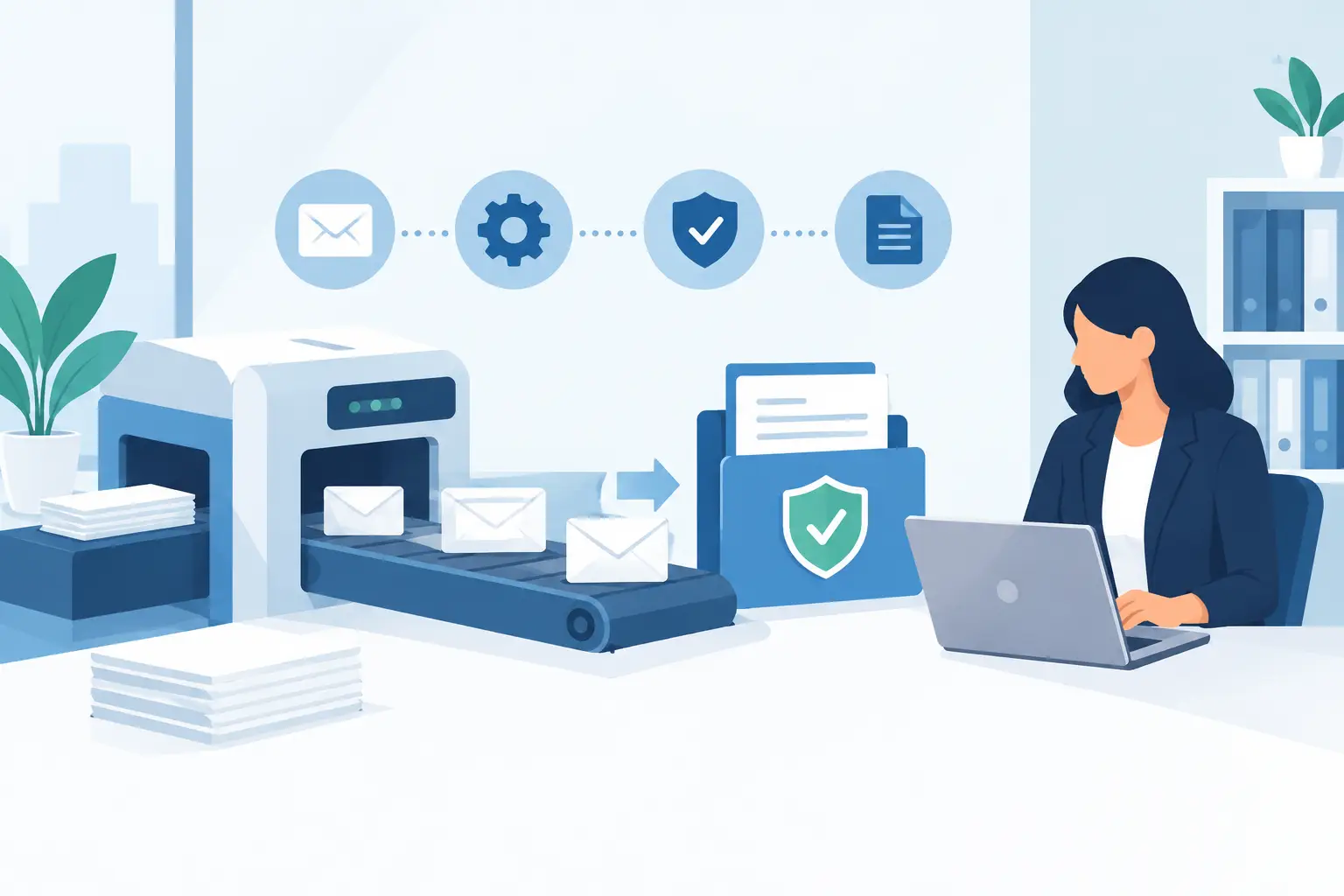
Current mailroom automation trends are centered on controlling the full document lifecycle. A notice begins in a case management, billing, claims, property, or legal system. It is approved, submitted for mailing, printed, addressed, inducted into the USPS mailstream, tracked, and retained with supporting records. Automation now connects those stages rather than treating them as separate tasks performed by different people.
This shift matters because a mailing dispute rarely concerns postage alone. The questions are usually procedural: Was the correct version sent? Was it mailed by the required date? Was the address used at the time of mailing? Can the organization produce proof of acceptance and delivery information months or years later?
A modern automated workflow should help answer those questions without requiring staff to search email threads, filing cabinets, postage receipts, or individual postal tracking pages.
1. Document-Driven Mailing Workflows
Organizations are increasingly initiating mail directly from a final PDF rather than rebuilding letters in a mailroom application. This approach protects document integrity. The letter reviewed by counsel, a compliance manager, or a case owner is the same letter that moves into production.
For recurring mail, teams can combine document files with recipient data through secure uploads, scheduled jobs, or system integrations. This is especially useful for high-volume notices such as delinquency letters, lease-related notices, code enforcement communications, policy updates, and customer compliance requirements.
The key control is not merely automating print. It is creating a documented handoff from the originating system to the mailing process. Teams should be able to identify the source document, recipient record, mailing class, requested service, and submission timestamp for each item.
There is a trade-off. Fully automated workflows require disciplined data practices. If recipient fields, document naming conventions, or approval steps are inconsistent upstream, automation can reproduce errors at scale. Organizations should standardize their data and exception rules before increasing volume.
2. API and SFTP Integration for High-Volume Notice Programs
Manual portal uploads are practical for occasional or low-volume mail. They become less practical when an organization sends notices every day from multiple systems or locations. This is why API and SFTP-based submission are becoming central to mailroom automation.
An API can allow a business application to submit a document and mailing instructions as part of an existing workflow. For example, a property management platform may trigger a required notice after a defined account event, while a legal operations system may submit approved correspondence after a matter status changes.
SFTP workflows are often a strong fit for organizations with batch-oriented processes. A nightly job can place PDFs and data files in a controlled location for processing, creating a repeatable process for large notice runs without staff members manually selecting files and addresses.
Integration should not mean eliminating human review everywhere. Many organizations benefit from an approval threshold, exception queue, or hold status for unusual addresses, incomplete records, or notices that exceed a defined risk level. Automation should make exceptions visible, not bury them.
3. Proof of Mailing Is Becoming a System Record
For compliance-sensitive mail, the most valuable result of automation is not speed by itself. It is the creation of reliable evidence.
USPS Certified Mail and Certificates of Mailing serve different purposes, but both can support a stronger mailing record when used correctly. Certified Mail can provide USPS acceptance, tracking, delivery status, and optional signature confirmation services. A Certificate of Mailing establishes evidence that an item was presented to USPS for mailing, which may be appropriate when proof of mailing is the primary requirement.
Automated mail workflows are increasingly designed to capture this information at the item level. Instead of keeping a receipt in a folder or relying on an employee to update a spreadsheet, the mailing record can be associated with the underlying notice and recipient.
This approach is particularly valuable when a dispute arises long after the original mailing. A team should not have to reconstruct the event from scattered sources. The record should show the relevant document, the mailing date, USPS acceptance data, tracking history where applicable, and delivery confirmation information.
4. Centralized Tracking and Exception Management
Tracking is only useful when someone can act on it. A common weakness in manual mail operations is that staff can look up an individual tracking number, but there is no structured process for monitoring delayed, undeliverable, or disputed items across a portfolio.
Centralized tracking changes that. It allows mail teams and compliance managers to view the status of active mailings in one place and identify items requiring follow-up. A returned or stalled item may require address research, an additional delivery method, a case note, or escalation to a responsible department.
The operational benefit is significant, but it should be framed carefully. Tracking does not guarantee delivery, and a delivery event does not always resolve every legal or contractual notice requirement. Organizations still need to apply the mailing method, timing rules, address standards, and follow-up procedures that govern their specific notices.
The practical goal is better visibility. When a mailing outcome matters, the organization should know about an exception early enough to respond according to policy.
5. Long-Term Record Retention Is Becoming a Core Requirement
A notice may become relevant during litigation, an audit, a customer dispute, a regulatory inquiry, or an internal review months or years after it was mailed. As a result, records retention is moving from a back-office archive function to a core mailroom requirement.
Effective retention includes more than a copy of the letter. It should preserve mailing evidence and event history in a form that can be located by recipient, date range, matter number, account identifier, tracking number, or other business reference.
Retention periods should align with the organization’s legal, regulatory, contractual, and litigation-hold obligations. Longer retention is not automatically better if records cannot be searched, access is uncontrolled, or the organization lacks a clear destruction policy. The objective is a managed, retrievable record set with appropriate controls.
For organizations using an outsourced print-and-mail workflow, retention capabilities deserve the same scrutiny as production speed. A same-day mailing process is valuable, but the ability to retrieve the supporting record years later may be even more valuable.
6. Security and Access Controls Are Part of Mailroom Automation
Mailing data often contains personal information, account details, legal allegations, financial information, or sensitive case facts. Automation expands the number of systems and users involved, which makes access control essential.
Teams should evaluate how documents are transmitted, who can upload or release mail, whether permissions can be assigned by role, and how activity is logged. The process should also define who can change recipient data, cancel a submitted mailing, or access historical records.
Security controls can introduce extra steps, particularly when approval and separation-of-duties rules are strict. That friction is often appropriate for high-risk correspondence. The right design depends on the consequence of an incorrect mailing, not simply on the desire to reduce clicks.
How to Evaluate an Automated Mailroom Process
Before selecting or expanding a solution, map one real notice from creation through record retention. Identify every manual handoff, each source of recipient data, the point at which mailing class is chosen, and where proof is stored. This exercise usually reveals gaps that are not visible when departments view only their portion of the process.
Then evaluate the workflow against a few practical questions: Can the organization submit approved PDFs without rekeying content? Can it use the required USPS service and confirmation options? Are mailing and tracking events tied back to the original business record? Can staff find the complete history quickly during an audit or dispute? Does the process handle both routine batches and exceptions?
Send Certified Mail is designed around this type of workflow, enabling organizations to submit compliance letters for same-business-day printing and mailing while maintaining USPS documentation, tracking reports, and long-term records.
The best automated mailroom process is not the one with the fewest human actions. It is the one that removes repetitive work while making the remaining decisions, approvals, and mailing evidence easier to control. Start with one high-risk notice type, document the current process, and build automation around the proof your organization may need to produce later.